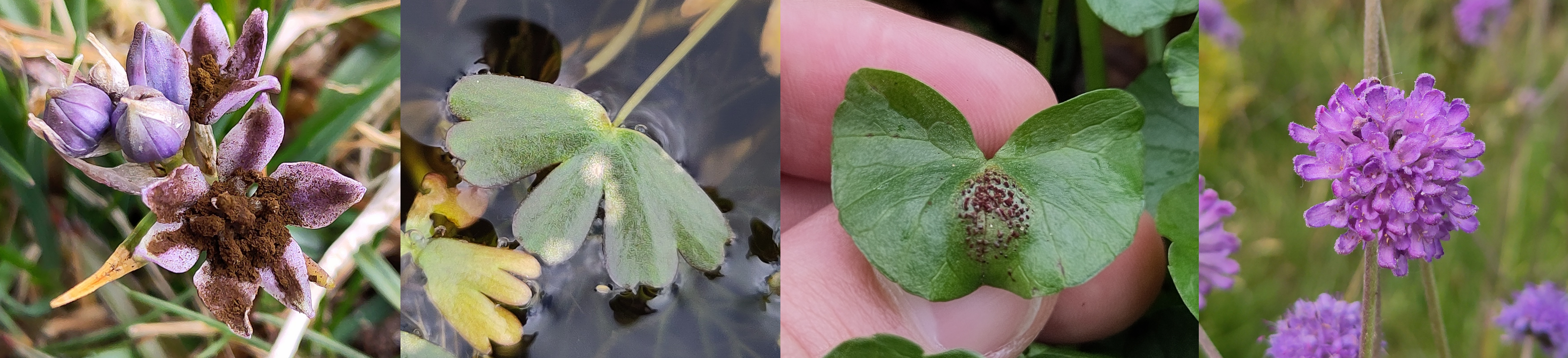
Herbaria are collections of plant and fungal specimens. A collection of fungi is sometimes distinguished as a fungarium. In the case of plant pathogens, these specimens are usually pressed and dried, and stored in paper packets. Sometimes they are mounted on paper.
Herbarium specimens provide a record that a particular taxon was found in a specific place, at a specific time. If taxonomy changes, the specimens can be redetermined and we will still know what they were — compare this to a written record, which only tells us what the recorder thought something was at the time. The following is an example of a specimen mounted on paper, but there is a major problem. Can you see what is wrong?
There is no date or location beyond “England”, and there is no other information! This specimen could be the only record of the species from a certain site, but we will never know. It is very important to label your specimens. The one thing we can do is determine and redetermine the identity of the specimen — the post-it note shows my determination of the specimen as Microbotryum flosculorum (de Candolle) Vánky, 1998, and if this species is ever split up or merged with another species, future researchers will be able to redetermine it.
You must include the following with any herbarium specimen or iNaturalist record:
You should aim to include the following with your specimens and records:
It is very easy to start and maintain a personal collection of specimens. I use brown paper bags, which you can buy in bulk cheaply online. They are quite rough and ready but they work, and are easy to take into the field.
I dry specimens by placing them between a few sheets of toilet paper, then sandwiching them between books. Sometimes I have to swap the paper several times before they are dry.
Ideally you should store your specimens in a cool, dry place such as a cardboard box. There are lots of pests to watch out for! I find Psocids (booklice) sometimes like to nibble at my specimens... Freezing affected specimens can save them: it is standard in the Ulster herbarium to leave specimens for six weeks in a freezer after they have been donated. This is one reason why important specimens should be given to research herbaria, which use integrated pest management and generally put specimens into deep freeze for several weeks before they enter the main collection, to avoid bringing in any pests.
Now that I am doing a PhD I am determined to keep my herbarium neat and organised (at least the specimens I need to keep track of!).
Downloading iNaturalist data as a csv file will allow you to create nice herbarium packets automatically. LibreOffice has a Label function that allows you to generate labels from rows in a csv. MS Office presumably does too. I first parse the description (which I use to record the host etc) and other fields in R using the stringr and lubridate packages to create some new fields and then my csv is ready.
Download the label template here.
It is up to you how much (if any) data manipulation you should do in R or another language of your choice. For the full code I used to generate the data for my labels see here.
One particularly useful thing to do with the lubridate package is to put the date in a nice format, as the format iNaturalist gives you (in the observed_on field) is ugly:
data$date <- parse_date_time(data$observed_on, orders = "ymd")

        date_format <- stamp_date("1 January 2026")

        data$date <- date_format(ymd(data$observed_on))
This creates a new column date with dates in the format "1 January 2026"
Another useful thing is getting host information from the description of the record. This is easy if you are consistent in how you outline your description. In my case I always use the first line of the description to describe the host, always in the format “ex Bellis perennis” followed by a newline. I use stringr to parse this. Note I am also using the dplyr package here:
data$host <- data$description %>%

    word(1, sep="\n") %>% # first line
    str_remove("ex ") # remove only the first instance of "ex "
This creates a new column host containing only the scientific names of the host of each specimen.
The specimen goes into the pocket you see when you lift up the label flap. You can fully unfold the page for easy access, which is often useful for delicate specimens.
Important (and unimportant!) specimens should be donated to research herbaria, where they will be kept and maintained indefinitely. If a taxon is new to an area, or may be a new species altogether, you should make sure to donate a specimen. If you want to keep your own, you can just make duplicates of a specimen — this is also a good idea if you want to donate to a local herbarium and a large one like Kew.
To donate, you should get in touch with the herbarium curator, generally by email. Note that a few larger institutions (notably Kew) have different curators for the herbarium sensu stricto (i.e. just plants) and the fungarium.
I have made a very non-exhaustive list of things to look out for and collect for research herbaria here.